
.png)

Description
Download StorySaver.net – Free Instagram Story Downloader, Save Highlights Securely
Overview
StorySaver.net is a free, web‑based Instagram story downloader created by the development team behind the same‑named brand. Designed specifically for Instagram’s fleeting “Stories” and “Highlights” features, this online tool lets you capture photos and videos from any public Instagram account without installing additional software. Whether you’re using a Windows PC, macOS laptop, Android phone, or iOS tablet, StorySaver.net runs directly in your web browser, making it a platform‑agnostic solution for social‑media enthusiasts, marketers, and casual users alike. The service works by prompting you to enter an Instagram username; it then scans the public profile for active stories and highlight reels, presenting each piece of media in an easy‑to‑download list. Because the tool only accesses public accounts, it respects Instagram’s privacy policies while still giving you the freedom to archive content you love. The intuitive interface, zero‑cost model, and cross‑device compatibility have positioned StorySaver.net as a reliable alternative to other Instagram downloaders such as Save‑o‑gram or Instagram Downloader. In short, if you need a secure, fast, and free way to download Instagram stories and highlights, StorySaver.net is built to do exactly that.
Key Features
- Story & Highlight Download: Capture both temporary stories and permanent highlights from any public Instagram profile.
- Multi‑Format Support: Download photos (JPG/PNG) and videos (MP4) with original resolution.
- Device‑Agnostic: Works on any modern web browser—Chrome, Firefox, Safari, Edge—on Windows, macOS, Android, and iOS.
- No Registration Required: Use the tool instantly without creating an account or providing personal data.
- Fast Processing: Media is fetched and prepared for download in seconds, even for accounts with multiple stories.
- Secure Connection: HTTPS encryption protects your browsing session and prevents data interception.
- Free Forever: All core functionalities are available at no cost; there are no hidden subscription fees.
- Regular Updates: The development team monitors Instagram’s API changes and updates the tool to maintain compatibility.
Installation, Usage & Compatibility
How to Get Started
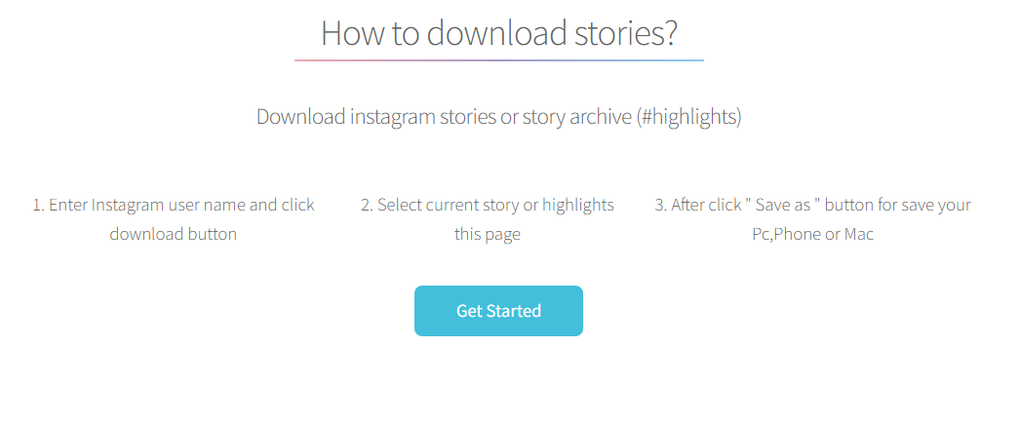
Because StorySaver.net is a web application, there is no traditional installation process. Follow these simple steps to start downloading Instagram stories:
- Open your preferred web browser (Chrome, Firefox, Safari, Edge, etc.) on any device.
- Navigate to https://www.storysaver.net.
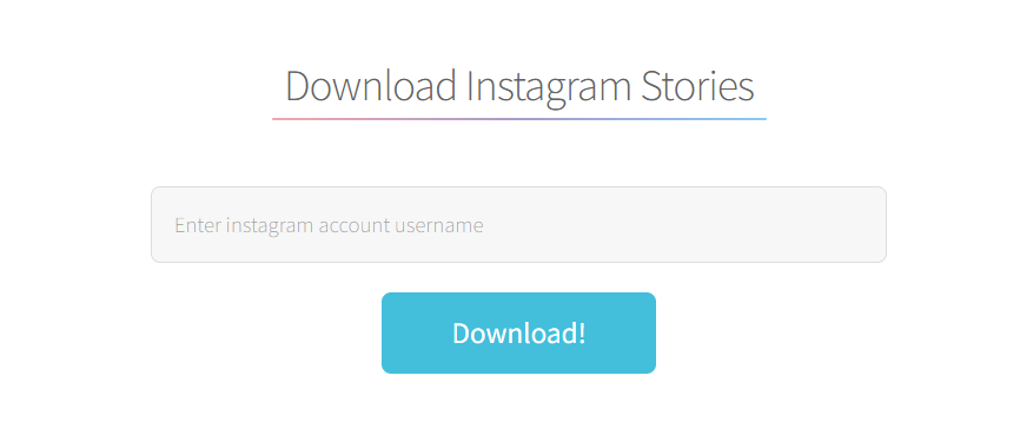
- Enter the Instagram username of the public account you wish to explore in the search box.
- Click the “Search” button; the platform will scan the account for active stories and highlights.
- A list of media thumbnails appears. Click the download icon next to each item you want to save.
- The file will be saved to your device’s default download folder, ready for offline viewing.
Device Compatibility (itemprop="operatingSystem")
StorySaver.net is built with responsive design principles, ensuring smooth operation across the following operating systems and devices:
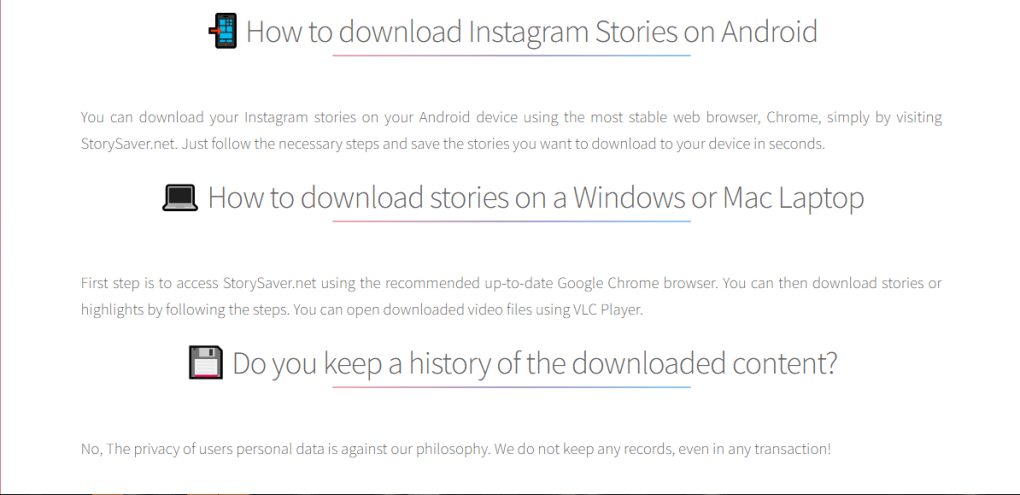
- Windows 10/11: Works flawlessly in Edge, Chrome, or Firefox.
- macOS Catalina and later: Safari, Chrome, and Firefox are fully supported.
- Android 8.0+: Chrome or the native Android browser provides a seamless experience.
- iOS 13+: Safari and Chrome on iPhone or iPad can access all features without lag.
The tool requires an active internet connection and a modern browser that supports HTTPS and JavaScript. No additional plugins or extensions are needed, making it an ideal choice for users who prefer a lightweight, hassle‑free solution.
Pros, Cons & Frequently Asked Questions
Pros
- Completely free with no hidden fees.
- Works on any device with a web browser.
- Supports both photos and videos in original quality.
- No account registration or login required.
- Fast download speeds and intuitive UI.
- Secure HTTPS connection protects user privacy.
Cons
- Cannot download content from private Instagram accounts.
- Limited to Instagram; does not support other social platforms.
- Relies on Instagram’s public API; occasional downtime when Instagram updates its backend.
Frequently Asked Questions
Is StorySaver.net safe to use?
Yes. The website uses HTTPS encryption, and it never asks for your Instagram password. All processing happens client‑side, so your credentials remain private.
Can I download stories from private accounts?
No. StorySaver.net respects Instagram’s privacy settings and can only access public profiles. Private accounts will appear in the search results, but their stories cannot be retrieved.
Do I need to install any software or browser extensions?
No installation is required. The tool runs entirely within your web browser, making it fast and lightweight.
What file formats are downloaded?
Photos are saved as JPG or PNG, and videos are saved as MP4, preserving the original resolution and quality.
Is there a limit to how many stories I can download?
There is no explicit limit imposed by StorySaver.net. However, Instagram may restrict the number of requests from a single IP address if excessive activity is detected.
Conclusion & Call to Action
StorySaver.net fills a clear niche in the crowded world of Instagram utilities: a straightforward, free, and cross‑platform solution for archiving stories and highlights from public accounts. Its ease of use—no download, no login, just a browser tab—makes it ideal for marketers gathering visual content, influencers tracking competitor posts, or everyday fans wanting to keep a personal library of favorite moments. While the inability to access private accounts may be a drawback for some power users, the tool’s security, speed, and zero‑cost model outweigh this limitation for the majority of casual users. If you’re looking for a reliable way to save Instagram media without compromising your privacy, give StorySaver.net a try today. Simply visit the website, enter the desired username, and start downloading in seconds. Download StorySaver.net now and never miss a story again!
Guides & Tutorials for StorySaver net
How to install StorySaver net
- Click the Preview / Download button above.
- Once redirected, accept the terms and click Install.
- Wait for the StorySaver net download to finish on your device.
How to use StorySaver net
This software is primarily used for its core features described above. Open the app after installation to explore its capabilities.
User Reviews for StorySaver net 0
No reviews found




